
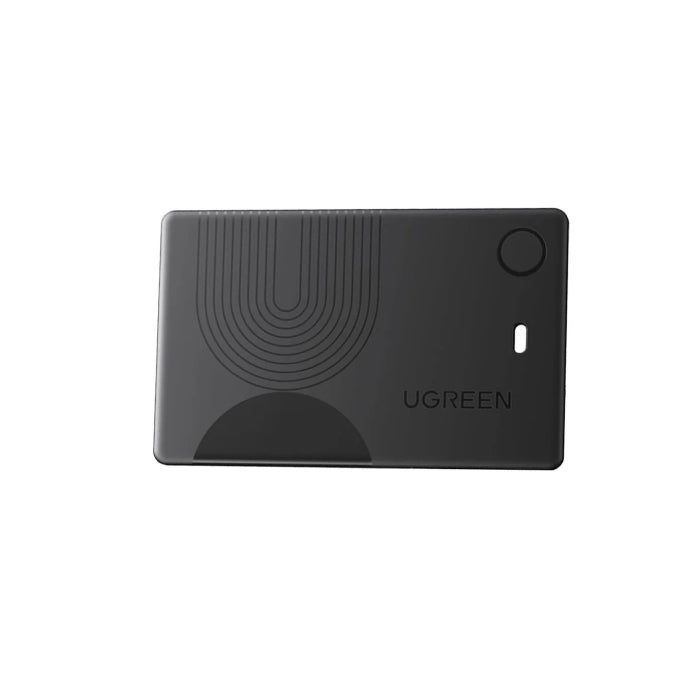
Ugreen Finder Slim 2 (CM920)

Sale price99,000 Ks

Color: Black

Pickup available at iSure Mandalay

Usually ready in 24 hours

Ugreen Finder Slim 2 (CM920)

Ugreen Finder Slim 2 (CM920)

Black

iSure Mandalay

Pickup available, Usually ready in 24 hours

iSure
G(3/4), 78th Street, Between 30th & 31st Street
Mandalay
Myanmar (Burma)

+959880441122

XtraSure 35 Street Mandalay

Pickup available, Usually ready in 24 hours

35th St between 69th St and 70th St, Chan Aye Thar Zan Township
Mandalay 05021
Myanmar (Burma)

+959880441122

Dyson by iSure Junction City

Pickup currently unavailable

01-C002, Ground Floor, Junction City, Corner of Bogyoke Aung San Road and Shwedagon Pagoda Road, Pabedan Township, Yangon.
Yangon 11141
Myanmar (Burma)

+959765421972

iSure Times City

Pickup currently unavailable

Kyun Taw Road
Room No. A209 (level 2), Times Mall, Times City Complex
Yangon
Myanmar (Burma)

+959880441122

XtraSure Junction City Branch

Pickup available, Usually ready in 24 hours

01-007, Ground Floor, Junction City, Corner of Bogyoke Aung San Road and Shwedagon Pagoda Road, Pabedan Township
Yangon 11141
Myanmar (Burma)

+959880441122

XtraSure The Central Branch

Pickup available, Usually ready in 24 hours

XtraSure The Central
Shop (12), The Central Boulevard Yangon, Corner of Kabar Aye Pagoda Road, & Kanbae Rd
ရန်ကုန် 11211
Myanmar (Burma)

+959880441122

XtraSure Times City Branch

Pickup available, Usually ready in 24 hours

XtraSure Times City
Room No. A103-A104, Building 2A, Times Mall
ရန်ကုန် 11211
Myanmar (Burma)

+959880441122

XtraSure Waizayantar Branch

Pickup available, Usually ready in 24 hours

Waizayantar Road, 16/2 Qtr, Thingangyun Tsp, Yangon.
No(206/207)
ရန်ကုန် 11071
Myanmar (Burma)

+959880441122
In stock

🛡️ XtraSure Order Policy

လူကြီးမင်း၏ Order များကို ရုံးချိန်အတွင်း ဖုန်းဖြင့်ဆက်သွယ်ကာ အတည်ပြု (Confirmation) ပြုလုပ်ပေးပါသည်။

ဖုန်းဖြင့်ဆက်သွယ်မရရှိပါက Order ကိုဆက်လက်မထိန်းသိမ်းနိုင်သဖြင့် အလိုအလျောက်ပယ်ဖျက်သွားမည်ဖြစ်ကြောင်း အသိပေးအပ်ပါသည်။

Order ကိုအတည်ပြုပြီးပါက နောက်တနေ့ နေ့လည် ၁၂ နာရီအထိသာ Stock ကိုထိန်းသိမ်းထားပေးမည်ဖြစ်ပါသည်။

ဈေးနှုန်းအတက်အကျများ မကြာခဏဖြစ်ပေါ်နေသည့်အတွက် Order အတည်ပြုပြီး ၃ နာရီအတွင်း ငွေပေးချေမှုပြုလုပ်ပေးရန် မေတ္တာရပ်ခံအပ်ပါသည်။

သတ်မှတ်ချိန်အတွင်း ငွေပေးချေမှု မပြုလုပ်နိုင်ပါက လက်ရှိဈေးနှုန်းအတက်အကျအတိုင်း ပြန်လည်တွက်ချက်ပေးမည်ဖြစ်ပါသည်။

CCC-Certified

What is CCC-Certified?

3C (China Compulsory Certification) ဆိုတာက China government က သတ်မှတ်ထားတဲ့ mandatory safety certification system ဖြစ်ပါတယ်။

Power Bank တစ်ခုလျှင်

  1. Battery Safety
  2. Over-Heat Protection
  3. Short Circuit Protection

အထက်ပါ Test (၃)ချက်အား Pass ဖြစ်မှသာလျှင် 3C-Certification ကိုရရှိတာဖြစ်ပါတယ်။

Q1: 3C Power Bank က Fast Charging ပိုကောင်းလား?

3C က charging speed မဟုတ်ဘဲ safety certification ဖြစ်ပါတယ်။

Q2: 3C မပါတဲ့ Power Bank သုံးလို့ရလား?

အသုံးပြုလို့ရပါတယ် ဒါပေမယ့် safety risk & airline restriction ရှိနိုင်ပါတယ်။

Q3: 3C က CE / FCC နဲ့တူလား?

သဘောတရား Concept တူညီပါတယ်။

  • 3C = China
  • CE = Europe
  • FCC = USA

Q4: 3C ပါမပါ ဘယ်လို စစ်ဆေးနိုင်မလဲ ?

  • Product body ပေါ်မှာ 3C logo ရှိမရှိစစ်ဆေးနိုင်ပါတယ်။
  • Packaging မှာ certification label ကြည့်နိုင်ပါတယ်။
  • ယုံကြည့်စိတ်ချရသော Brand / Seller ကိုရွေးချယ်ပါ။

Order via Messenger
1 Year Warranty

Specifications

  • 1 Year Warranty
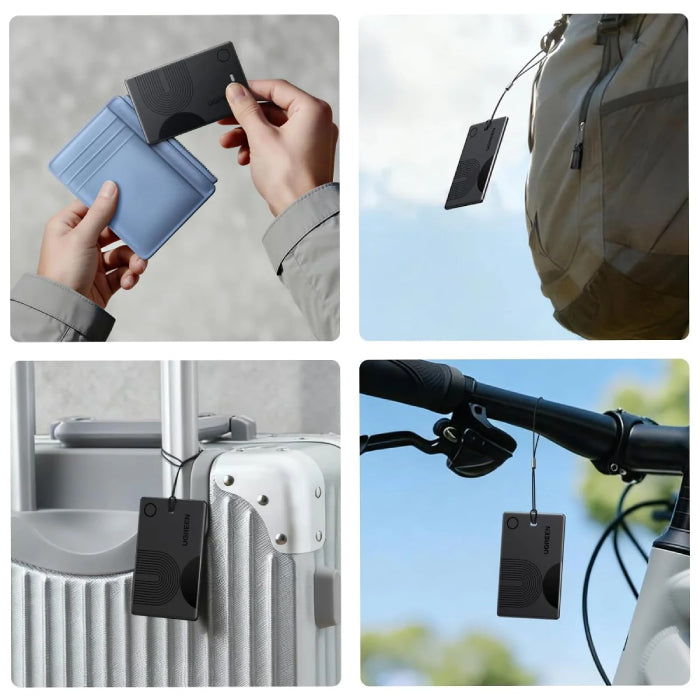
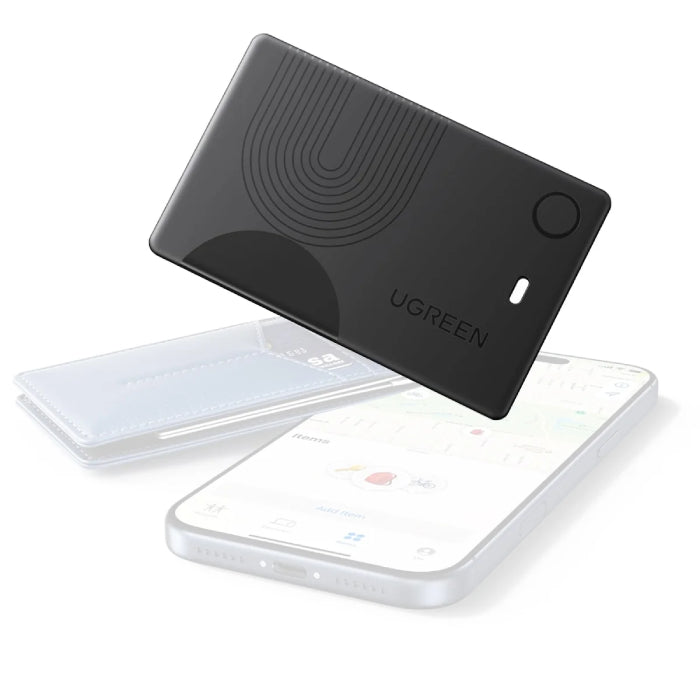
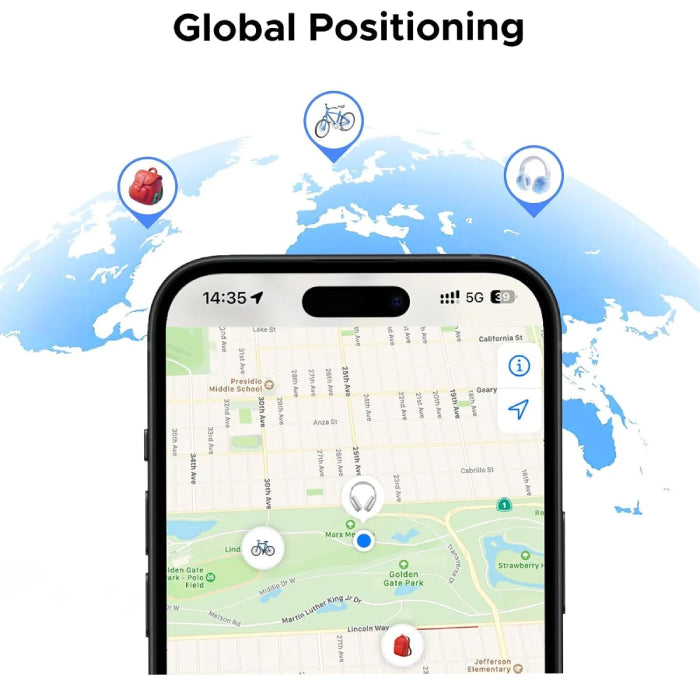
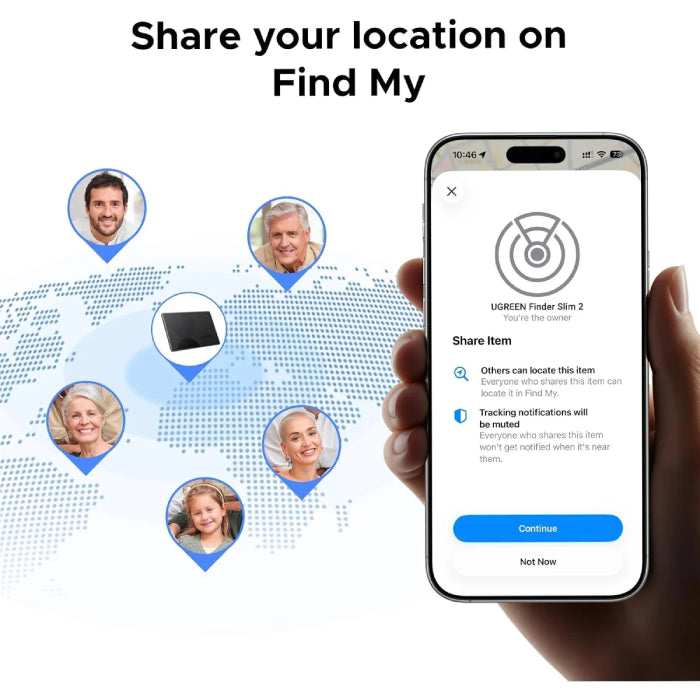
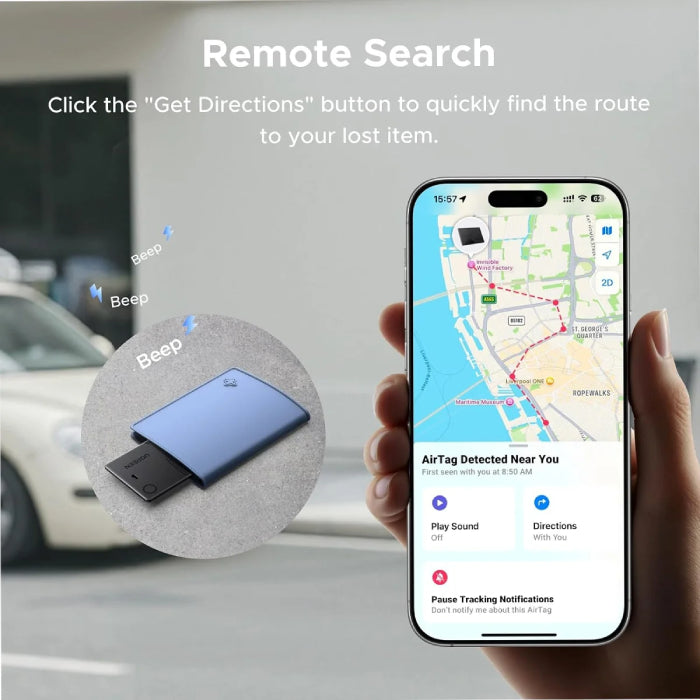
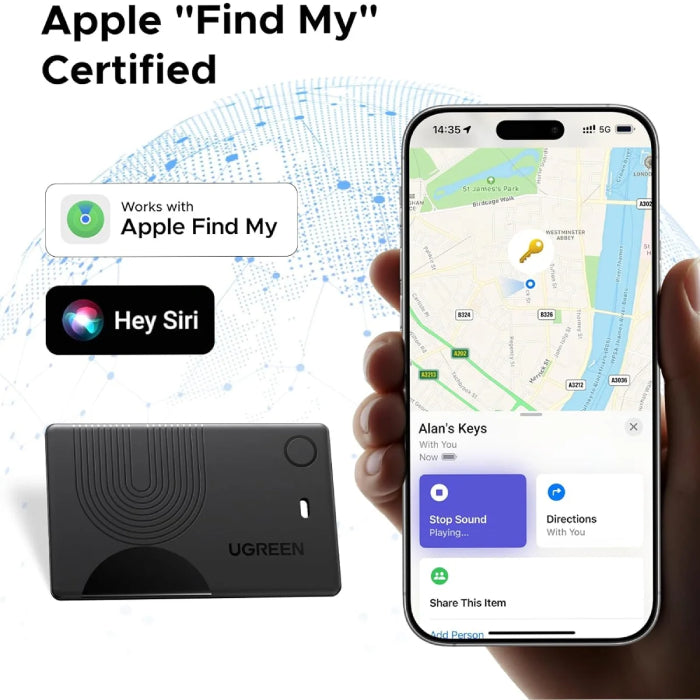
  • Never Lose Your Valuables with Wallet Tracker: Left something outside? If it’s at the airport or the shopping mall, simply open the map in the Find My app to view its location and get directions. Stay connected to your valuables anytime, anywhere—with confidence and peace of mind. Note: Securely attach the wallet tracker card to your item before use
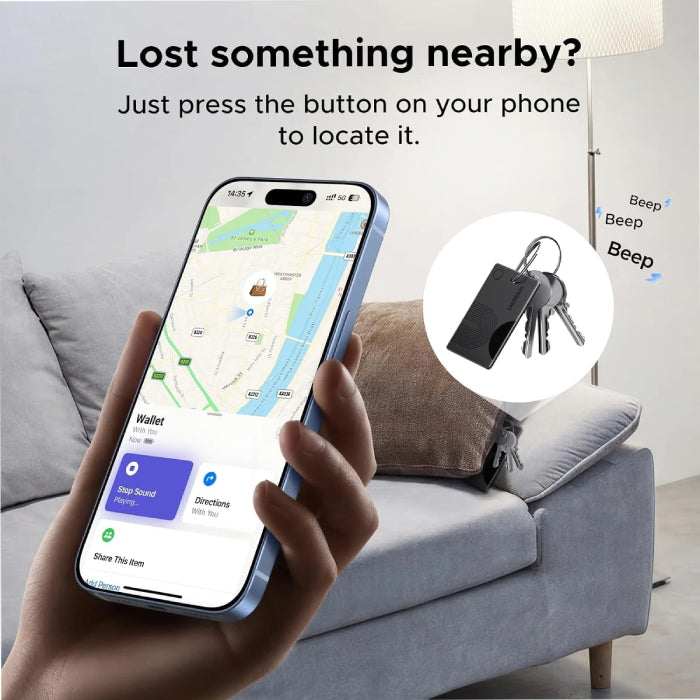
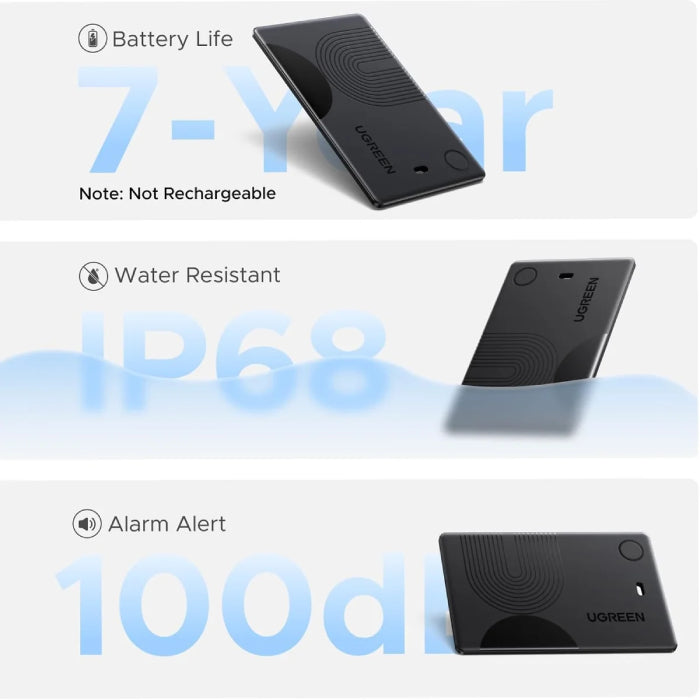
  • Loud 100dB Alert: When the map shows items nearby, you can tap "play sound" in the Apple Find My app. The wallet tracker emits a 100-decibel beep within Bluetooth range — as loud as a morning alarm clock — audible even under thick blankets, cushions, or in a hidden corner
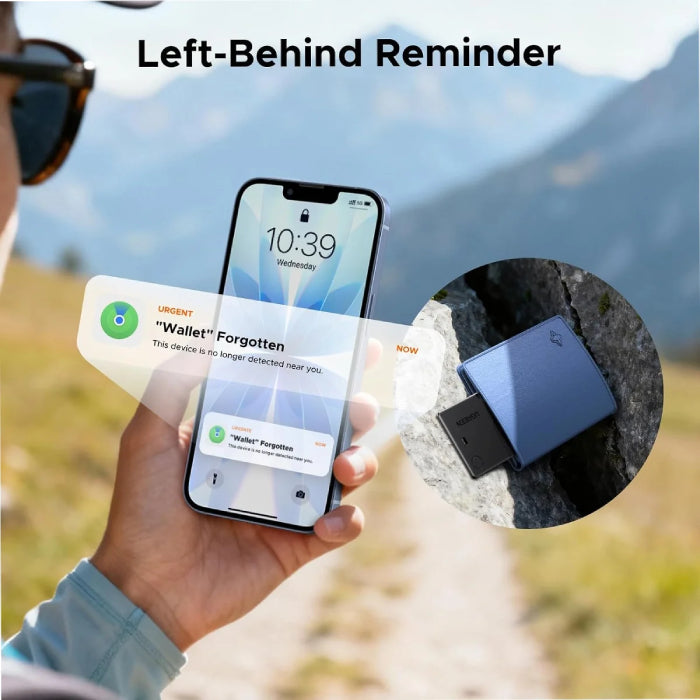
  • Lost items notification pop-up on phone: When your wallet finder moves out of range, the Find My app sends an instant alert with its last known location. Activate
  • Lost Mode with your contact info so nearby Apple devices can help recover it quickly
  • Setup is quick and easy: Simply press and hold the function button on the Bluetooth tracking card for about 2-3 seconds until you hear a beep to pair. Open the "Find My" app, enable Bluetooth, tap "Add Item," select "Other Supported Items," and then tap "Connect." Confirm the prompts to complete pairing. Paired with a device. Unpair before connecting to a new one
  • Note: ①Supports Apple iPhone/iPad (iOS 14.5+) and Mac (macOS 11+). ②Keep Bluetooth on; select "Other Supported Items" when pairing. ③Location can be tracked via map guidance; for items within 10 m, enable sound alerts for precise tracking
Product options
Color: Black
Product vendor
Ugreen
Product type
Case and Protection
Product tags
AirTag and Accessories