
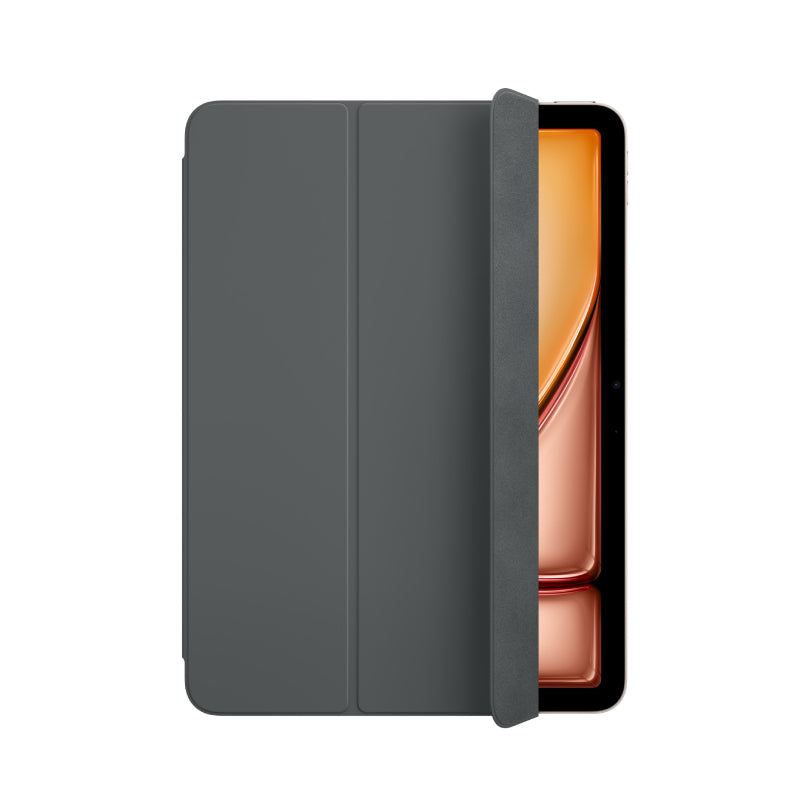
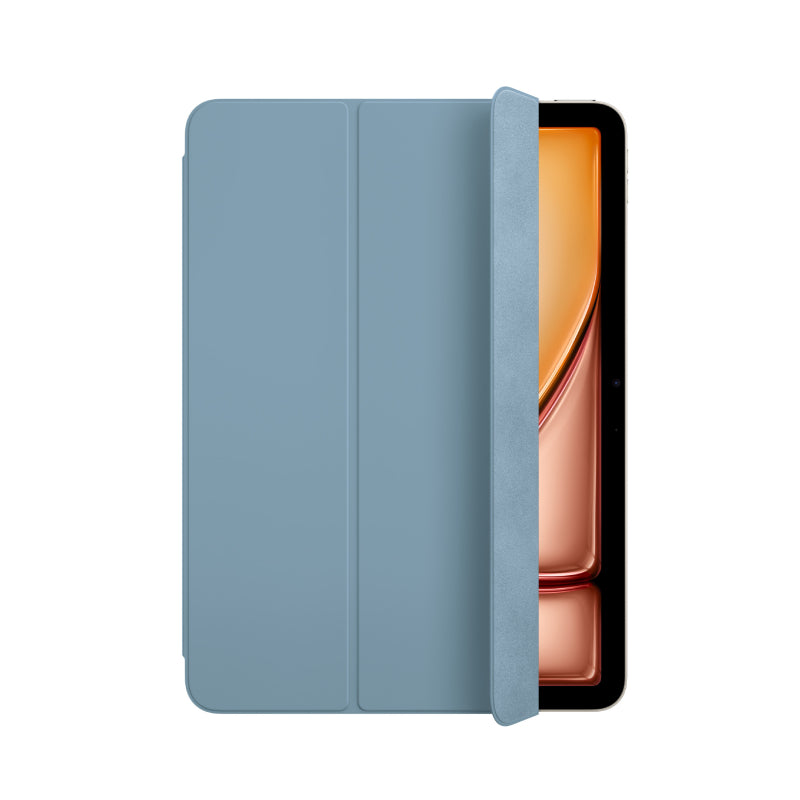

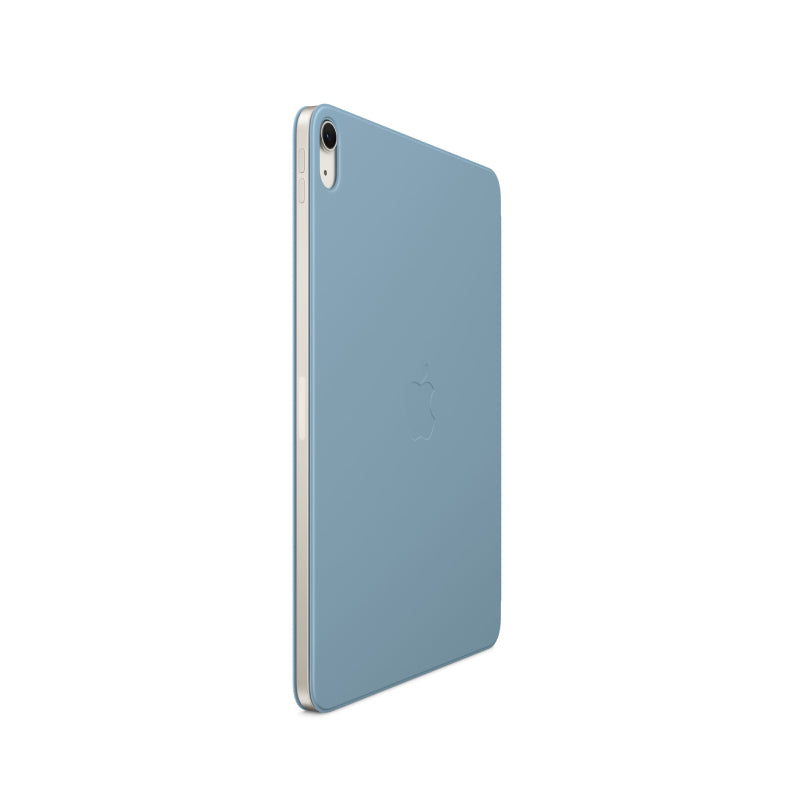

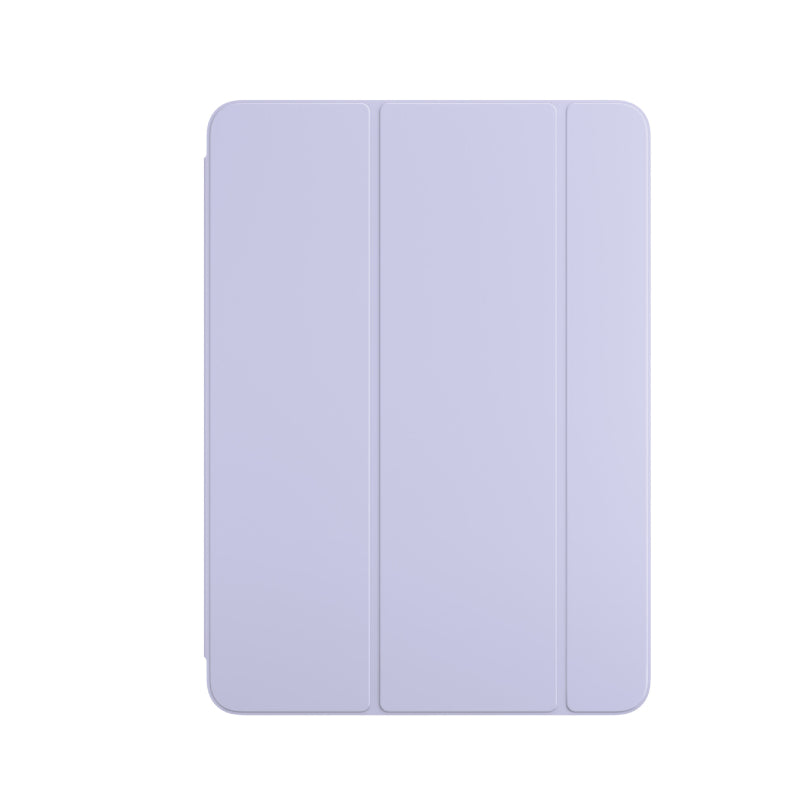
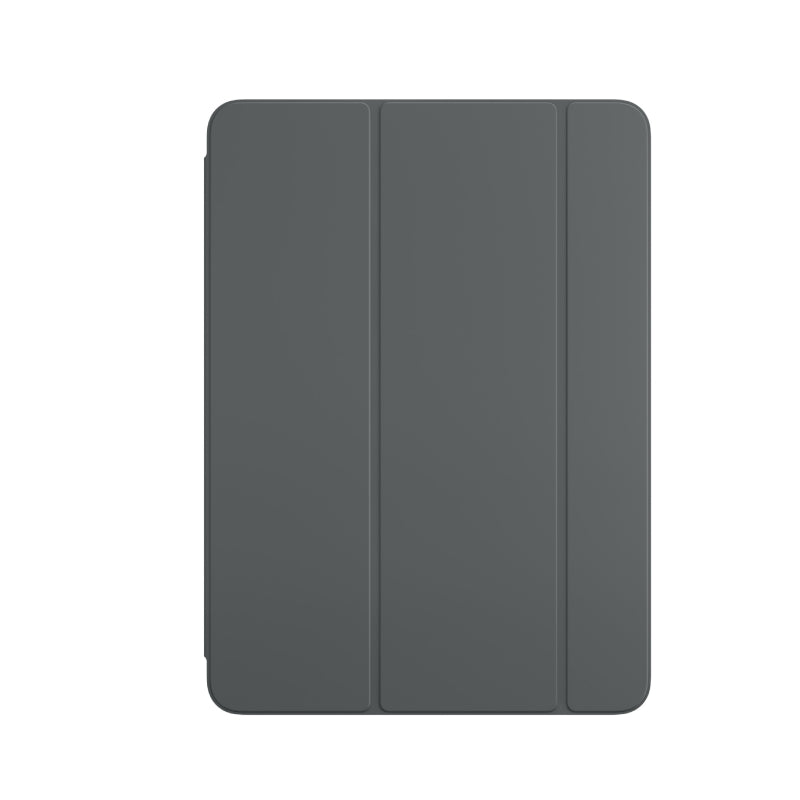
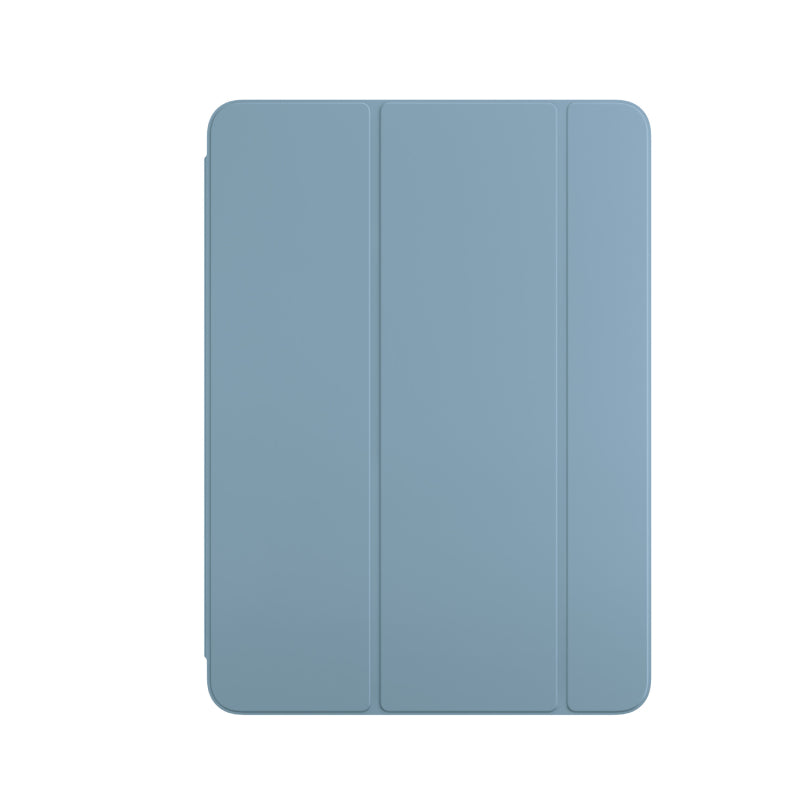
Apple iPad Smart Folio Case for M3 & M2 Air 11"

Sale price349,000 Ks

Color: Charcoal Gray

Pickup currently unavailable at iSure Mandalay

Apple iPad Smart Folio Case for M3 & M2 Air 11" - XtraSure | Apple Authorized Reseller in Myanmar

Apple iPad Smart Folio Case for M3 & M2 Air 11"

Charcoal Gray

iSure Mandalay

Pickup currently unavailable

iSure
G(3/4), 78th Street, Between 30th & 31st Street
Mandalay
Myanmar (Burma)

+959880441122

XtraSure 35 Street Mandalay

Pickup available, sms will be sent on pick up ready

35th St between 69th St and 70th St, Chan Aye Thar Zan Township
Mandalay 05021
Myanmar (Burma)

+959880441122

Dyson by iSure Junction City

Pickup currently unavailable

01-C002, Ground Floor, Junction City, Corner of Bogyoke Aung San Road and Shwedagon Pagoda Road, Pabedan Township, Yangon.
Yangon 11141
Myanmar (Burma)

+959765421972

iSure Times City

Pickup currently unavailable

Kyun Taw Road
Room No. A209 (level 2), Times Mall, Times City Complex
Yangon
Myanmar (Burma)

+959880441122

XtraSure Junction City Branch

Pickup available, sms will be sent on pick up ready

01-007, Ground Floor, Junction City, Corner of Bogyoke Aung San Road and Shwedagon Pagoda Road, Pabedan Township
Yangon 11141
Myanmar (Burma)

+959880441122

XtraSure The Central Branch

Pickup available, sms will be sent on pick up ready

XtraSure The Central
Shop (12), The Central Boulevard Yangon, Corner of Kabar Aye Pagoda Road, & Kanbae Rd
ရန်ကုန် 11211
Myanmar (Burma)

+959880441122

XtraSure Times City Branch

Pickup available, sms will be sent on pick up ready

XtraSure Times City
Room No. A103-A104, Building 2A, Times Mall
ရန်ကုန် 11211
Myanmar (Burma)

+959880441122

XtraSure Waizayantar Branch

Pickup available, sms will be sent on pick up ready

Waizayantar Road, 16/2 Qtr, Thingangyun Tsp, Yangon.
No(206/207)
ရန်ကုန် 11071
Myanmar (Burma)

+959880441122

How to get (or) convert to eSIM

  1. ၁။ မိမိ၏ မှတ်ပုံတင် (သို့မဟုတ်) နိုင်ငံကူးလက်မှတ် (Passport)ကိုယူဆောင်၍ မိမိအသုံးပြုသော SIM Card အလျှောက် သက်ဆိုင်ရာ MPT/U9/Atom ရုံးခွဲများသို့ သွားပါ။
  2. ၂။ eSIM အဖြစ် ပြောင်းလဲလိုကြောင်း ပြောပါ။
  3. ၃။ အချက်အလက်စစ်ဆေးရန်အတွက် မှတ်ပုံတင်/Passport ပြသပါ။ 
  4. ၄။ ဆိုင်မှ eSIM အတွက် QR Code တစ်ခု ထုတ်ပေးပါမည်။
  5. ၅။ ဖုန်းထဲတွင် QR Code ကို Scan ဖတ်၍ ထည့်သွင်းပါ -
    • iPhone: Settings → Cellular → Add Cellular Plan
    • Android: Settings → Network & Internet → Mobile Network → Add Carrier 

eSIM လျှောက်ရာတွင် သိထားသင့်သောအချက်များ

  • မှတ်ပုံတင်: SIM ကတ် မှတ်ပုံတင်ရန်အတွက် မူရင်းမှတ်ပုံတင် သို့မဟုတ် Passport မဖြစ်မနေ ယူဆောင်သွားပါ။
  • SIM အဟောင်း : eSIM သို့ ပြောင်းပြီးပါက မူလ SIM ကတ်အဟောင်းသည် အလိုအလျောက် ပျက်သွားပါမည်။
  • QR Code သိမ်းဆည်းရန်: QR Code ကို သေချာသိမ်းထားရန် လိုအပ်ပါသည်။ ဖုန်းလဲသည့်အခါ သို့မဟုတ် ပြန်လည်ထည့်သွင်းလိုသည့်အခါတွင် လိုအပ်နိုင်ပါသည်။
  • Internet: eSIM အသက်သွင်းချိန်တွင် ဖုန်း၌ Wi-Fi သို့မဟုတ် အင်တာနက် ချိတ်ဆက်ထားရန် လိုအပ်ပါသည်။
  • စစ်ဆေးရန်: မိမိဖုန်းသည် eSIM Support လုပ်/မလုပ် သိရှိရန် *#06# ကိုနှိပ်၍ EID Number ပါ/မပါ စစ်ဆေးနိုင်ပါသည်။

Learn More

🛡️ XtraSure Order Policy

လူကြီးမင်း၏ Order များကို ရုံးချိန်အတွင်း ဖုန်းဖြင့်ဆက်သွယ်ကာ အတည်ပြု (Confirmation) ပြုလုပ်ပေးပါသည်။

ဖုန်းဖြင့်ဆက်သွယ်မရရှိပါက Order ကိုဆက်လက်မထိန်းသိမ်းနိုင်သဖြင့် အလိုအလျောက်ပယ်ဖျက်သွားမည်ဖြစ်ကြောင်း အသိပေးအပ်ပါသည်။

Order ကိုအတည်ပြုပြီးပါက နောက်တနေ့ နေ့လည် ၁၂ နာရီအထိသာ Stock ကိုထိန်းသိမ်းထားပေးမည်ဖြစ်ပါသည်။

ဈေးနှုန်းအတက်အကျများ မကြာခဏဖြစ်ပေါ်နေသည့်အတွက် Order အတည်ပြုပြီး ၃ နာရီအတွင်း ငွေပေးချေမှုပြုလုပ်ပေးရန် မေတ္တာရပ်ခံအပ်ပါသည်။

သတ်မှတ်ချိန်အတွင်း ငွေပေးချေမှု မပြုလုပ်နိုင်ပါက လက်ရှိဈေးနှုန်းအတက်အကျအတိုင်း ပြန်လည်တွက်ချက်ပေးမည်ဖြစ်ပါသည်။

Order via Messenger
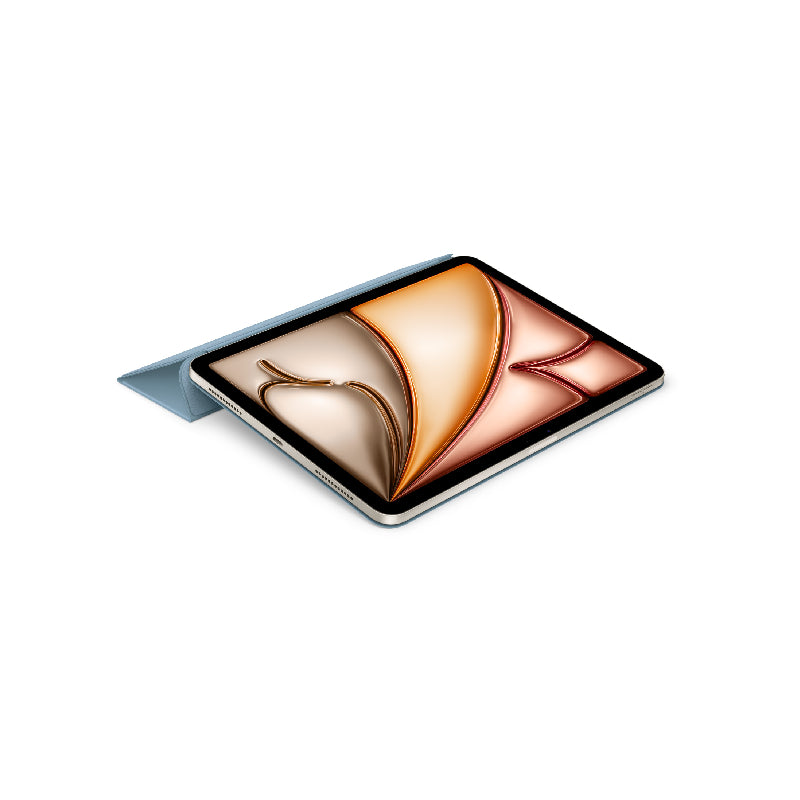
  • The Smart Folio for iPad Air (M3) supports a wider range of viewing angles for reading, watching movies, typing or making FaceTime calls.
  • It automatically wakes your iPad Air when opened and puts it to sleep when closed.
  • Thin and light, it protects the front and back of iPad Air.
Product options
Color: Charcoal Gray, Denim, Light Violet
Product vendor
Apple
Product type
Case and Protection
Product tags
iPad Case, iPad Case and Screen Protector